

Objective
With your Vault set up, Warp now has the necessary credentials to access both your source repositories and the destination GitHub organization. Warp now needs to scan your source to compile a list of repositories for migration. You’ll do this with the Warp web application and look at the results in Migration HQ. At the end of this section, you will have a list of repositories for migration.Search for the 🛠️ emoji if you’d like to skim through this content while focusing on the steps you need to follow.
Verify Your Credentials
🛠️ Go back to the Warp browser tab or window. It should be on the Connect Your Sources page, which should look like this: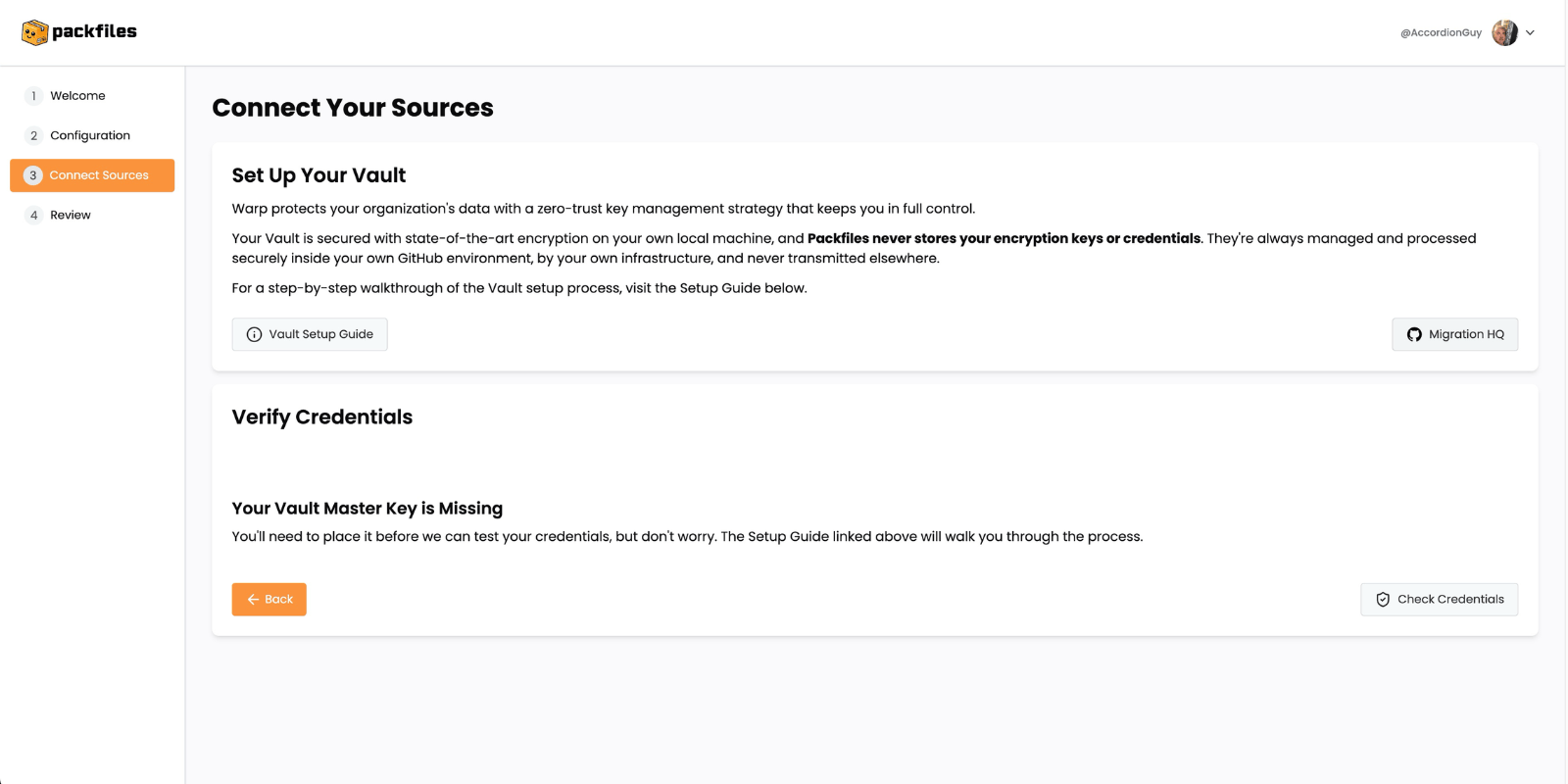
Warp’s Connect Your Sources page.
.png?fit=max&auto=format&n=Jt8JnIIrXRnRUKLp&q=85&s=6624ad339824c447a158f073a6e1aaf7)
Warp’s Connect Your Sources page, with Warp checking the credentials stored in the Vault.
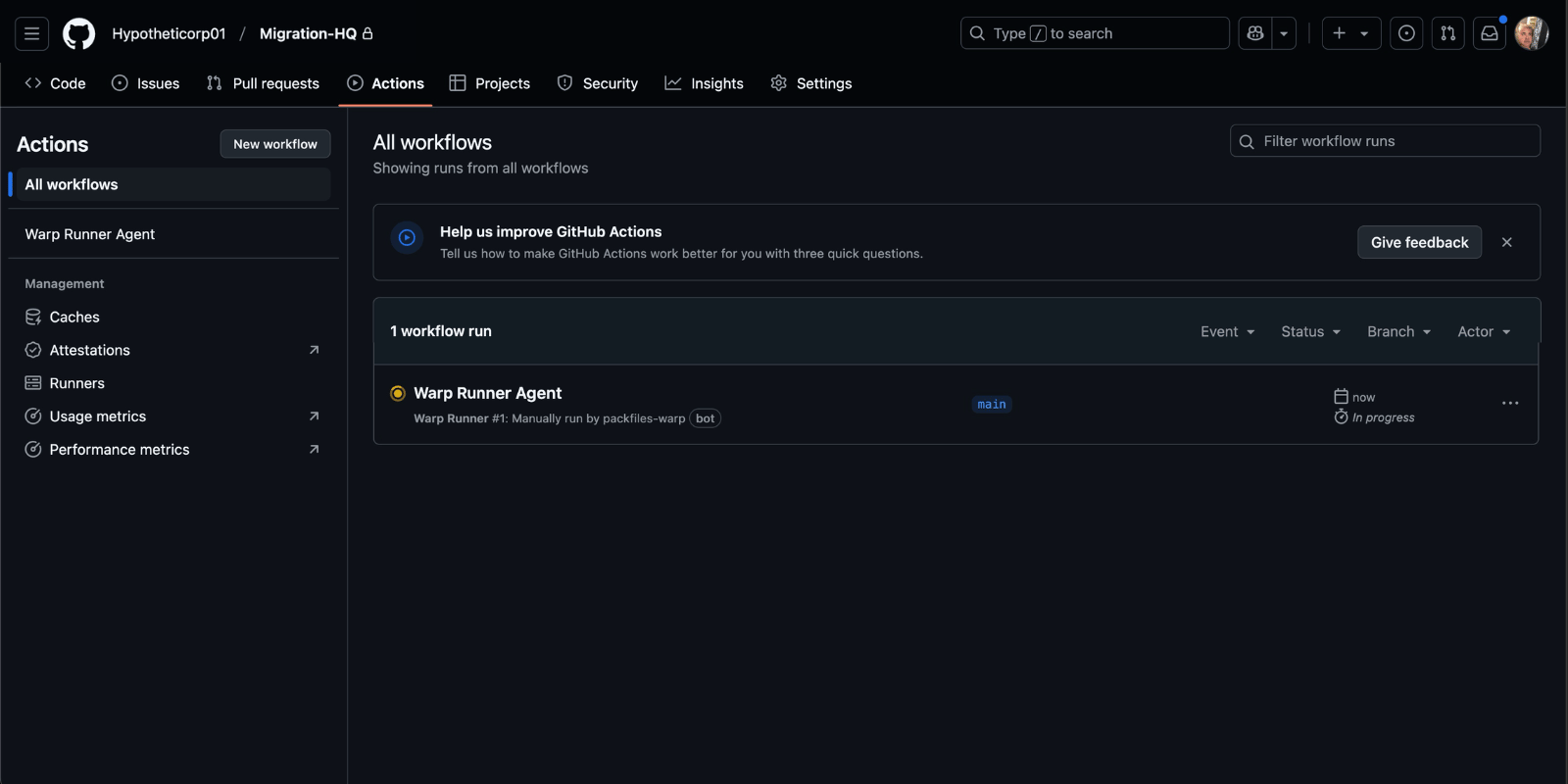
Migration HQ’s Actions page with an active Warp Runner Agent.
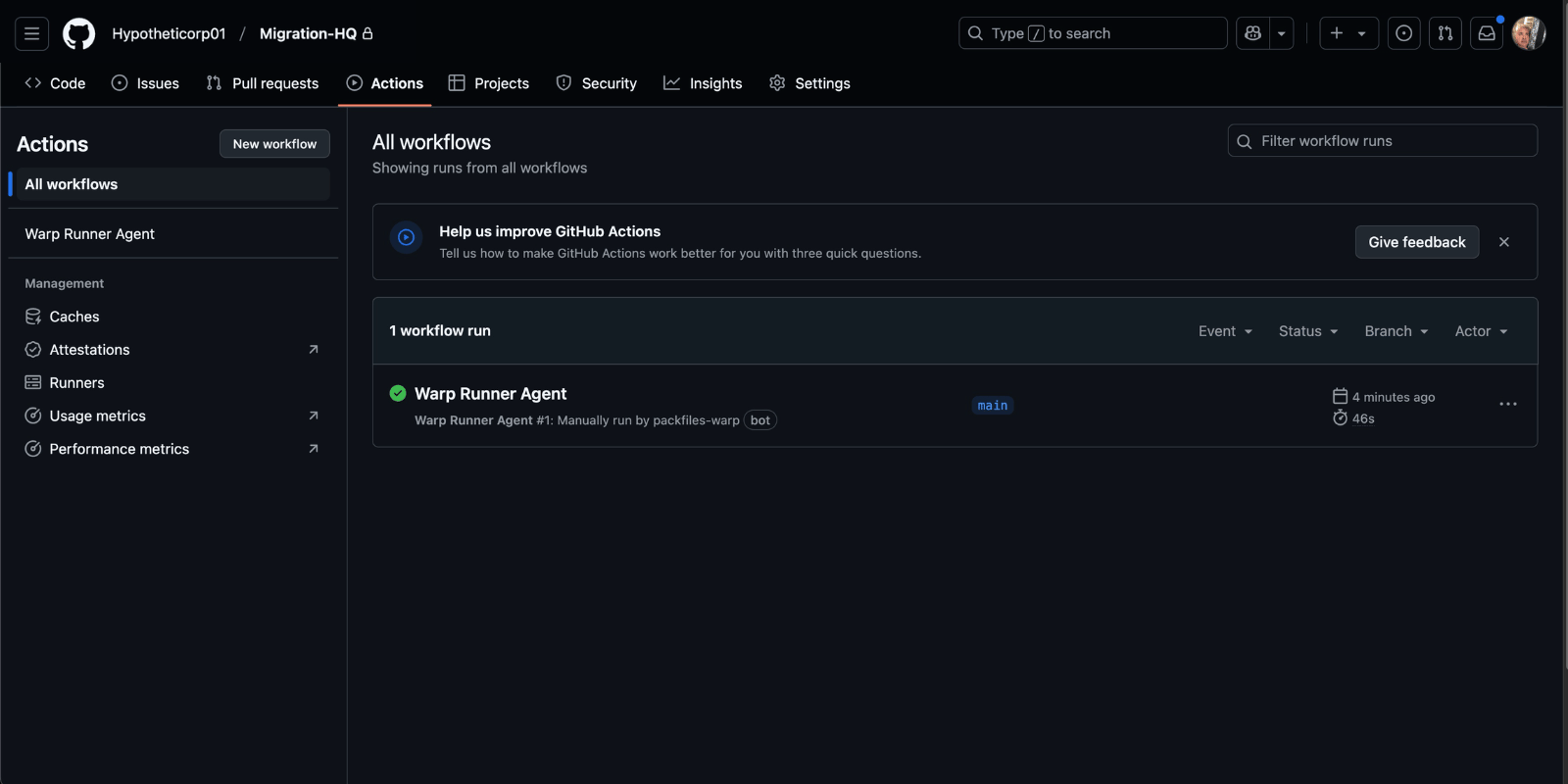
Migration HQ’s Actions page with a Warp Runner Agent that has completed its task.
%20(1).png?fit=max&auto=format&n=Jt8JnIIrXRnRUKLp&q=85&s=6f460b32a613f86fd201ac73b59da2f3)
Warp’s updated Connect Your Sources page.
- An item representing the Azure DevOps Organization containing the repositories you want to migrate, and
- An item representing the GitHub organization where you want to migrate the repositories.
%20(1).png?fit=max&auto=format&n=Jt8JnIIrXRnRUKLp&q=85&s=1e02604e2d062fccbd7ebe9809cc89c3)
The Review and Complete page.
Check the Project’s Status
🛠️ Let’s check the project’s status. Click the Go to Dashboard button.Check the Project’s Status
The Dashboard page shows the status of the project you just configured:%20(1).png?fit=max&auto=format&n=Jt8JnIIrXRnRUKLp&q=85&s=c8ffc4d160079b87cb11ba7df89fc163)
The Dashboard page.
- The number of repositories that Warp found in the Azure DevOps Organization,
- the number of repositories that have been migrated to GitHub,
- the average number of repositories that have been migrated per day, and
- the overall progress of the migration, expressed as a percentage.
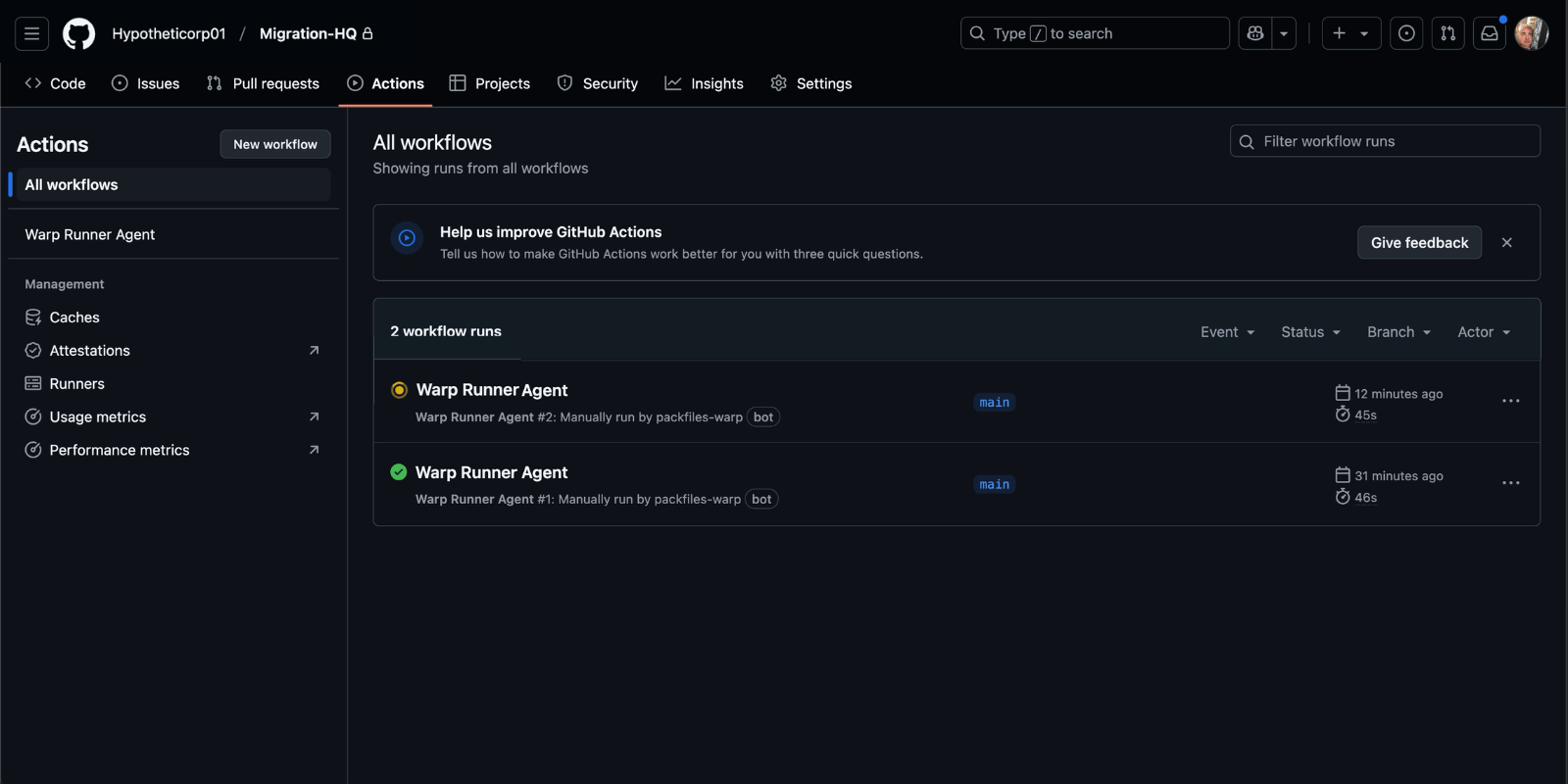
The Actions page of Migration HQ, showing the Runner Agent scanning the Azure DevOps organization for repositories.
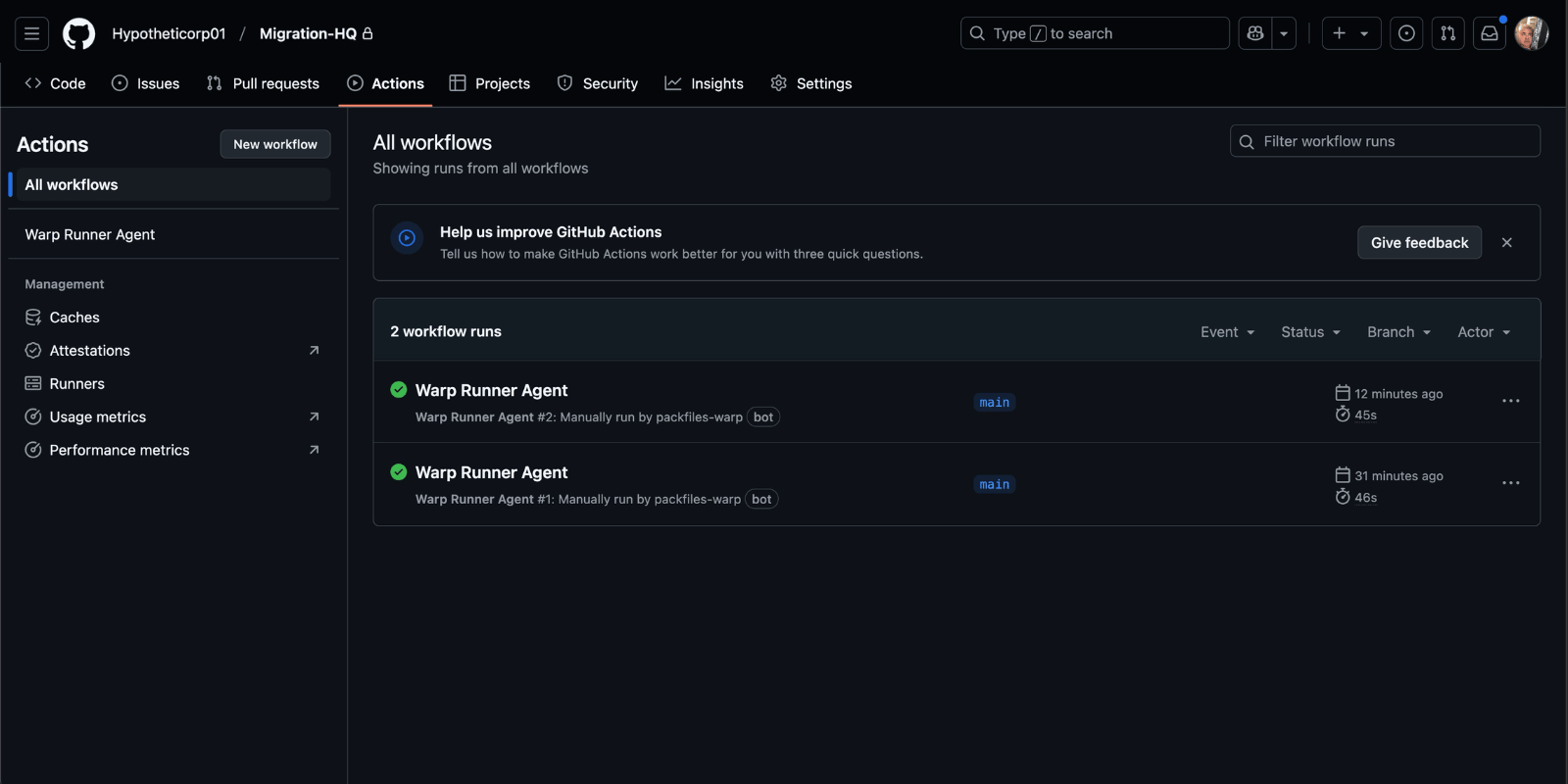
The Actions page of Migration HQ, showing the Runner Agent having completed its task.
%20(1).png?fit=max&auto=format&n=Jt8JnIIrXRnRUKLp&q=85&s=d6cd742b3e6846c34589b40da7d18a63)
Warp’s Dashboard page, after scanning for sources.
%20(1).png?fit=max&auto=format&n=Jt8JnIIrXRnRUKLp&q=85&s=701029da37fd0634fe8145644260691a)
Migration HQ’s Issues page.
.png?fit=max&auto=format&n=l0V83cTRF3ti5K9q&q=85&s=ec5a09fe4bc667964d615379a12d3eca)
The open issues list, close up.